A custom wordpress plugin is worth considering when a client workflow is genuinely different, but I do not build one just to avoid a settings screen. I start with the job to be done, the maintenance plan, and the risk of tying important data to an unmaintained dependency. This checklist helps me choose a practical path for a WordPress site.
Start with the outcome, not the custom wordpress plugin
Write one sentence describing what the site must do that it cannot do today. If the request is vague, I clarify the users, inputs, outputs, and success measure before comparing products. A clear outcome often reveals that a core setting or an established plugin already solves most of the problem.
When an existing plugin is enough
An existing, ready-made plugin is usually better for common needs such as SEO basics, caching, forms, backups, memberships, or standard payments. I look for active development, clear documentation, sensible support, a good security history, and an update path the owner can manage.
I also check whether the plugin fits the theme, WooCommerce, page builder, and hosting environment. A reputable plugin covering 90 percent of the requirement is often safer than a custom project no one will maintain.

When I recommend a custom wordpress plugin
A custom wordpress plugin makes sense when the workflow is unique, the business rules are important, or off-the-shelf tools would require several fragile workarounds. Examples include an unusual approval process, private integrations, industry-specific pricing, or an internal dashboard with strict data handling.
I prefer a focused plugin with a small surface area over three overlapping extensions. The code should use WordPress APIs, capability checks, nonces, sanitization, escaping, and documented settings. The WordPress Plugin Handbook is my reference for those fundamentals.
A practical middle path
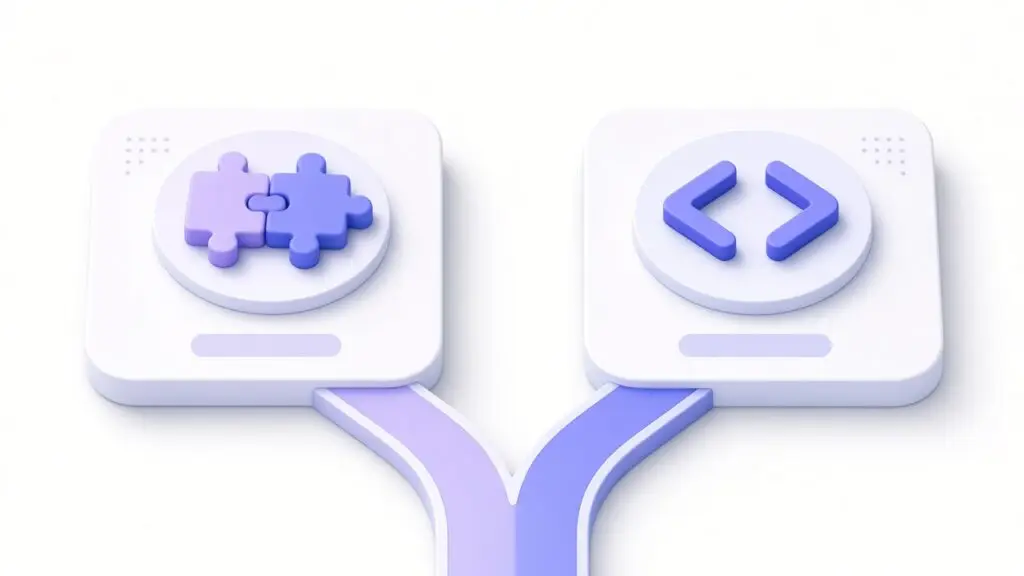
Often the answer is a solid base plugin plus a small custom wordpress plugin for the missing 10 percent. That keeps maintained software in place while matching the business. I document the integration points, version requirements, and what happens if either component is disabled.
Questions I ask before writing code
- Who will manage this after launch: the owner, a team, or me?
- How often will the rules change?
- What is the cost of downtime if an update breaks?
- Can a settings or content change solve it more simply?
How I decide and plan maintenance
I compare total cost, not only the first invoice. That includes updates, testing, support, documentation, training, and the cost of replacing a dependency later. I build a small proof of concept when the risk is unclear, then test with staging data before touching production. A custom wordpress plugin should have a clear owner, version notes, backups, and a rollback plan.
The right answer is the one that stays understandable after launch. If you are stuck between installing another plugin and building something custom, contact me with the workflow and constraints. I can help you choose the lighter path while keeping the existing URL and data safe.
What I deliver with a custom wordpress plugin
I keep the scope readable: a short README, settings notes, test cases, and a list of supported WordPress and PHP versions. Before an update, I test the plugin on staging and keep a backup. This makes future maintenance predictable and helps another developer understand the decisions instead of reverse-engineering a hurried fix.
For a related decision about protecting forms, see my guide to a WordPress puzzle captcha. The same discipline applies: define the problem, choose the smallest reliable tool, test logged-out visitors, and record how the site will be supported after launch. This keeps the client site resilient through normal plugin updates and staff changes.
If you’ve decided a custom plugin is the right call, my custom WordPress development service is where I build them.