I provide WordPress maintenance and security care: safe updates of core, themes, and plugins; backups; uptime and security checks; small fixes; plus help when a site is hacked — malware and backdoor removal, hardening, and support clearing Google Safe Browsing or Search Console security warnings. From Surat, India, I support site owners locally and remotely who want fewer surprises.
Updates without a plan can break layouts. That is why I prefer a careful process, and why I wrote about using a WordPress staging site before plugin updates. For login and form spam, I also share practical ideas in Stop Bot Signups on WordPress Forms with Puzzle Captcha.
Maintenance is not glamorous, but it is how WordPress sites stay usable. Security work is similar: reduce easy attack surfaces, keep software current, and recover cleanly when something goes wrong.
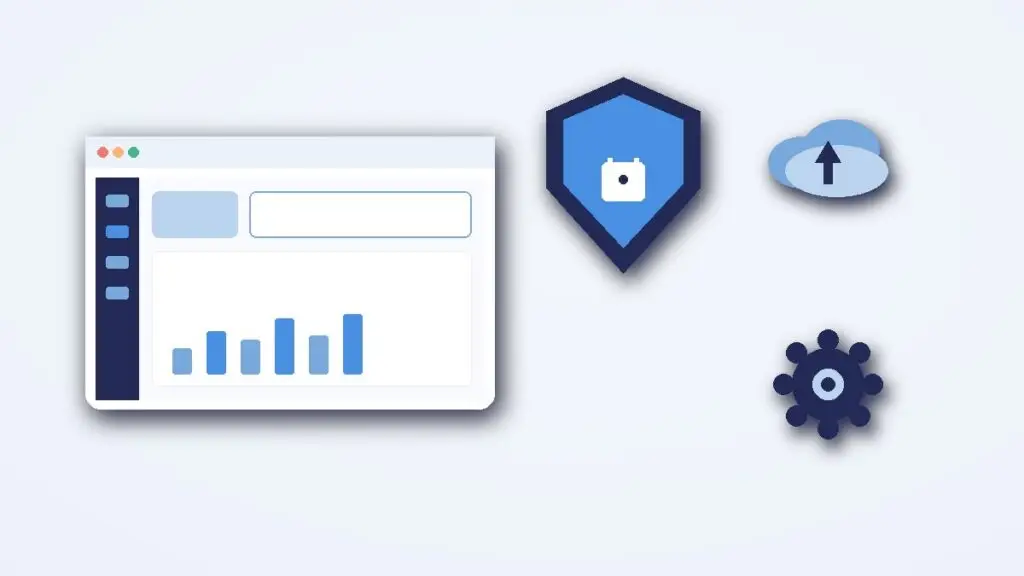
What’s included in my WordPress maintenance service
- Scheduled or on-request updates of WordPress core, themes, and plugins — with care for conflicts
- Backup verification so you know a restore point exists before risky changes
- Uptime and basic security monitoring checks as agreed in the engagement
- Small fixes: broken forms, plugin glitches, content oddities after updates
- Hacked-site response: malware cleanup, backdoor search, password and user audit
- Hardening basics (file permissions mindset, unused plugin removal, login protection options)
- Help understanding and addressing Google security or Safe Browsing warnings
Who this is for
This is for business owners who rely on their WordPress site but do not want to babysit updates, and for anyone who sees strange admin users, injected scripts, or a browser warning on their domain. It also fits after a rushed launch when nobody has owned ongoing care.
If your site is actively compromised, say so up front so we prioritize cleanup and containment over routine updates.
How I work
- Talk — We review hosting access, current symptoms, and whether this is routine care or incident response.
- Plan / quote — I propose a maintenance rhythm or a cleanup scope with clear boundaries.
- Work / verify — I apply updates or cleanup steps, then verify the front end and admin still behave.
- Handover / support — You get notes on what changed and optional ongoing check-ins.
WordPress’s official hardening guide is a good reference for the security basics I work through.
Routine care vs emergency cleanup
Routine WordPress maintenance is calm work: backups, updates, quick visual checks, and small fixes before they become outages. Emergency cleanup is different — lock down access, find injected files or users, remove malware, and then harden so the same entry point is harder to reuse.
Either way, communication matters. I tell you what I changed, what still needs hosting-level help, and what you should avoid clicking until the site is stable. Maintenance is a partnership: you own the business decisions; I own the careful hands-on WordPress work.
WordPress maintenance FAQ
Can you guarantee my site will never be hacked?
No. I can reduce risk and help you recover, but no one can promise absolute immunity.
Do you need hosting login?
Usually, yes: WordPress admin plus hosting or SFTP when cleanup or backups require it. We use the least access needed.
What if an update breaks the site?
That is why backups and careful sequencing matter. I aim to catch issues before customers do and roll back when needed.
Is malware removal a one-time job?
Cleanup is one phase. Hardening and updates afterward matter so the same hole is not left open.
Do you only work on sites you built?
No. I maintain and secure WordPress sites others built, after an initial review of the setup.
Need WordPress maintenance or a security cleanup?
Reach me on the Contact page or email rnitinb@gmail.com. For a one-off repair on a broken site, see how I fix WordPress errors. For related services, see the main Services page.