

A wordpress puzzle captcha is one of the simplest ways I stop bot signups on public WordPress forms without making real visitors solve distorted letters. I use it when fake registrations, contact spam, or login noise starts wasting time. The goal is a small, clear challenge at the point where automated submissions hurt a site. I also follow the WordPress documentation and form plugin docs when choosing placement.
Why a wordpress puzzle captcha helps with bot signups
Bots target predictable endpoints: login, registration, password reset, and contact forms. A checkbox or image CAPTCHA can help, but it may annoy mobile visitors and is often automated. A wordpress puzzle captcha asks the visitor to complete a short drag or match action. That is easy for a person and adds a useful signal before the form is accepted.
The challenge supports, not replaces, strong passwords, rate limiting, email verification, validation, and monitoring. It is especially useful when a site needs public registration or receives a burst of spam through an enquiry form.
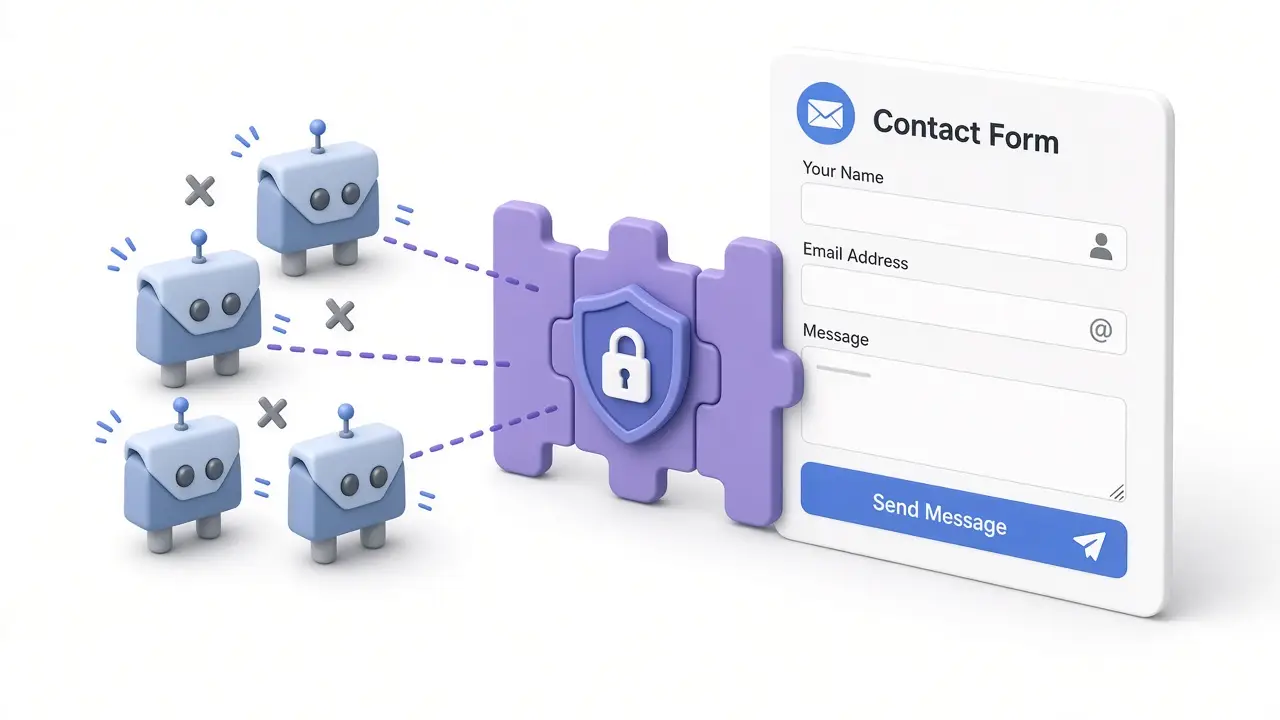
Where I place the puzzle challenge
I normally protect only the public actions that need it: registration, login, contact forms, and sometimes password recovery.
- Registration: add the challenge before account creation so fake users do not reach the database.
- Login: use it when repeated automated attempts create noise or load.
- Contact forms: place it before submission, especially on forms exposed to the whole internet.
- Password recovery: consider it when recovery requests are abused, while keeping the flow understandable.
For Contact Form 7, I check the plugin’s official documentation and test the form after adding a challenge. For WPForms sites, the WPForms anti-spam guide helps me compare controls. These are maintained plugin references, not replacements for testing.
How I set up a wordpress puzzle captcha
First I identify the exact form and confirm whether the problem is automated submissions or a configuration error. Then I enable the puzzle on the narrowest set of forms that needs protection. I keep instructions short, make the draggable area obvious, and test touch behavior where the plugin supports it.
Next I test a successful submission and several failed attempts. I verify valid entries are saved, notification email still arrives, and a failed challenge does not create a partial account or contact record. I test logged-out visitors, a private browser window, and a phone. Caching plugins can serve stale scripts, so I clear the relevant cache if the challenge does not appear.
Other checks that make protection stronger
A puzzle alone is not a complete anti-spam plan. I review registration settings, form validation, honeypots, request rate limits, and email verification. If spam continues, I compare timestamps and user agents, inspect server logs, and confirm the challenge token is checked server-side. I never rely only on hiding a button with CSS or JavaScript.
The challenge should be accessible and proportionate. Give visitors a clear error message, avoid placing it on every page, and provide an alternate route for someone who cannot complete the interaction.
For a broader explanation, see my related guide on choosing a custom WordPress plugin. If you need help tuning protection on a real site, contact me with the form plugin and symptoms.
When I would choose another approach
I do not add a wordpress puzzle captcha automatically. If a form has little traffic, a honeypot and rate limit may be enough. If the audience needs an alternate interaction, I start with accessibility and server-side validation. During a serious attack, I combine the challenge with hosting-level controls instead of expecting one plugin to stop everything.
Used thoughtfully, a wordpress puzzle captcha keeps genuine visitors moving while raising the cost of automated bot signups. I measure success by fewer fake entries, clean valid submissions, and a form that still feels quick on desktop and mobile.
If spam signups are only one of the problems on your site, my WordPress maintenance and security service covers ongoing updates and protection.