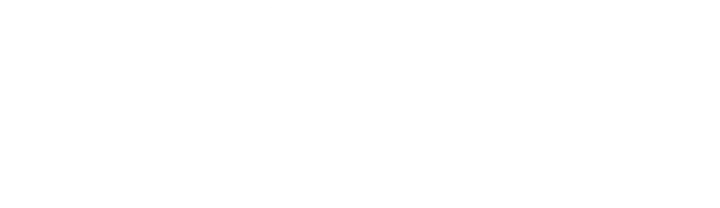
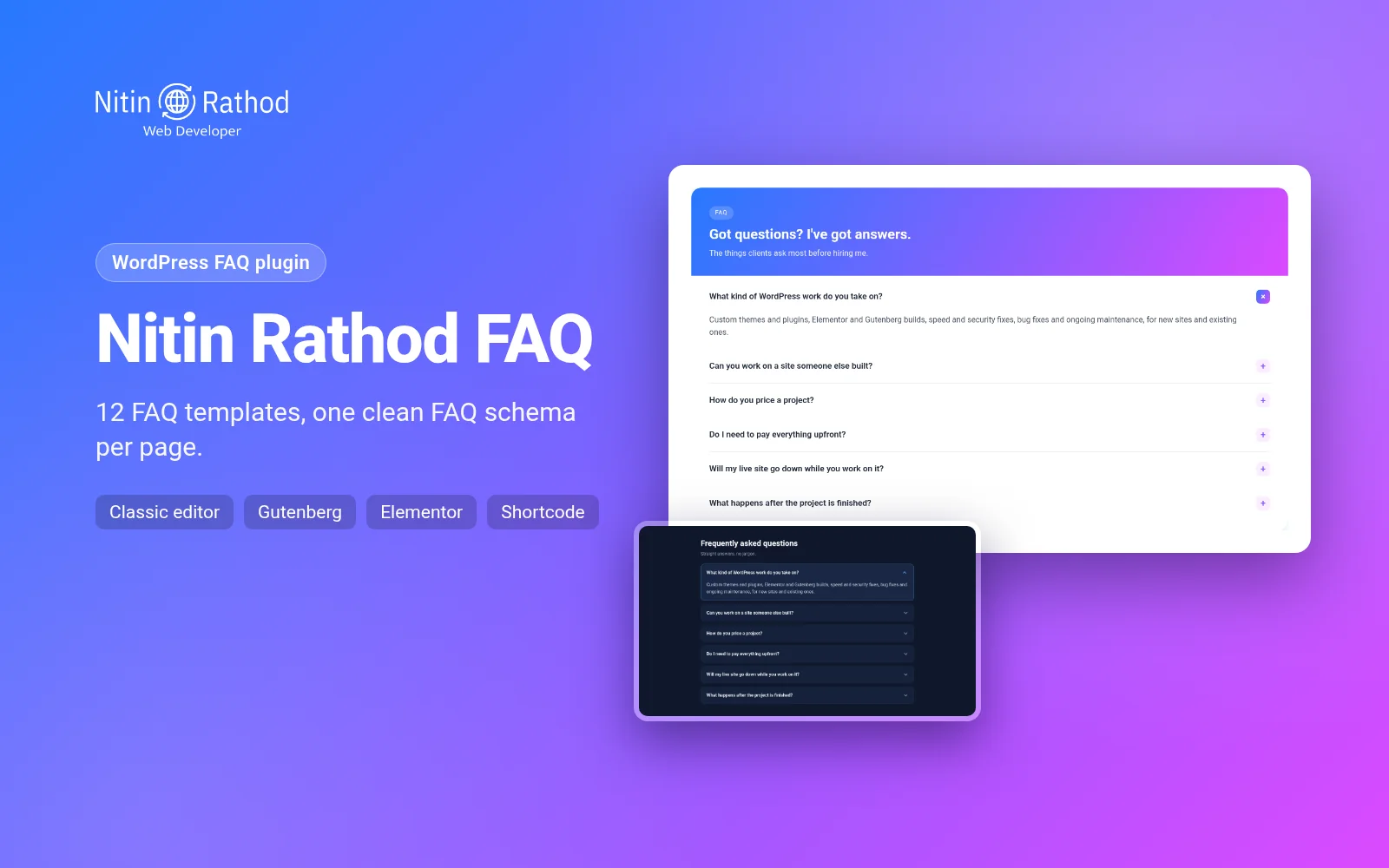
Nitin Rathod FAQ is the free WordPress FAQ plugin I built for my own site and client sites. It adds a clean FAQ section in the classic editor, Gutenberg or Elementor, comes with 12 ready-made templates, and outputs one tidy FAQPage schema per page, even when a page has several FAQs.
The problem I wanted to fix
Most sites I work on need an FAQ somewhere: a services page, a product page, a contact page. Over time I kept running into the same three problems.
Duplicate FAQ schema. When a page had two FAQ sections, or an FAQ from a page builder plus one from a block, the page ended up with two or three separate FAQPage blocks in its source code. Schema.org expects one FAQPage per page, so I wanted every FAQ on a page merged into one.
Clashes with Rank Math. I use Rank Math on most sites, and its own FAQ block also outputs schema. Using both meant duplicate markup again. I wanted my plugin to notice that and step back on its own.
Different editors on different pages. Some of my pages use the classic editor, newer ones use Gutenberg, and some client pages are built with Elementor. I wanted one FAQ tool with the same designs everywhere, instead of three plugins that all look different.
None of the FAQ plugins I tried handled all three cleanly without loading a lot of extra CSS and JavaScript on every page, so I wrote my own WordPress FAQ plugin.
What this WordPress FAQ plugin does
Four ways to add an FAQ
- Meta box under the classic editor: add questions, drag to reorder, pick a template. The FAQ shows after the content.
- Gutenberg block with the template, titles and colours in the block sidebar and a live design preview in the block editor.
- Elementor widget in its own “Nitin Rathod” category, with the same templates and options.
- Shortcode:
places the meta box FAQ wherever you want it. You can also show another post’s FAQ withid="123", switch the design withtemplate="tabs", or turn schema off for one copy withschema="no".
12 templates
There are eight newer templates: Minimal, Soft Cards, Grid, Gradient Header, Midnight (dark), Tabs (questions grouped into categories), Chat bubbles and Split (a heading and a button on the left, the accordion on the right). The four original designs are still there too: Simple list, Accordion, Cards and Numbered. Every template can take an accent colour, and the gradient ones take a second colour. There are no web fonts, so the FAQ uses your theme’s font.
One FAQPage per page
However many FAQs a page has, from the meta box, blocks, widgets or shortcodes, the plugin collects them and prints a single FAQPage schema. If a Rank Math or Yoast FAQ block is already on the page, it skips its own schema so there is no duplicate. One honest limit: FAQ schema you create in Rank Math’s Schema Generator isn’t detected, so don’t use both on the same page.
Also worth knowing: Google stopped showing FAQ rich results in May 2026. I don’t promise any special search snippet. The schema is still valid structured data that describes your questions and answers, and you can turn it off for any FAQ.
Light on the front end
A WordPress FAQ plugin shouldn’t slow down every page, so this one only loads the CSS for the templates actually used on a page. The small script (about 2 KB, no jQuery) only loads for templates that open and close. Pages without an FAQ load nothing from this plugin at all.
Accessible by default
Questions are real buttons with aria-expanded, answers are linked regions, and the Tabs template uses proper tab roles with arrow keys, Home and End. Focus is always visible, and visitors who prefer reduced motion don’t get the open and close animation.
Templates gallery
Here are six of the templates in this WordPress FAQ plugin, shown with the questions I use on my own site.
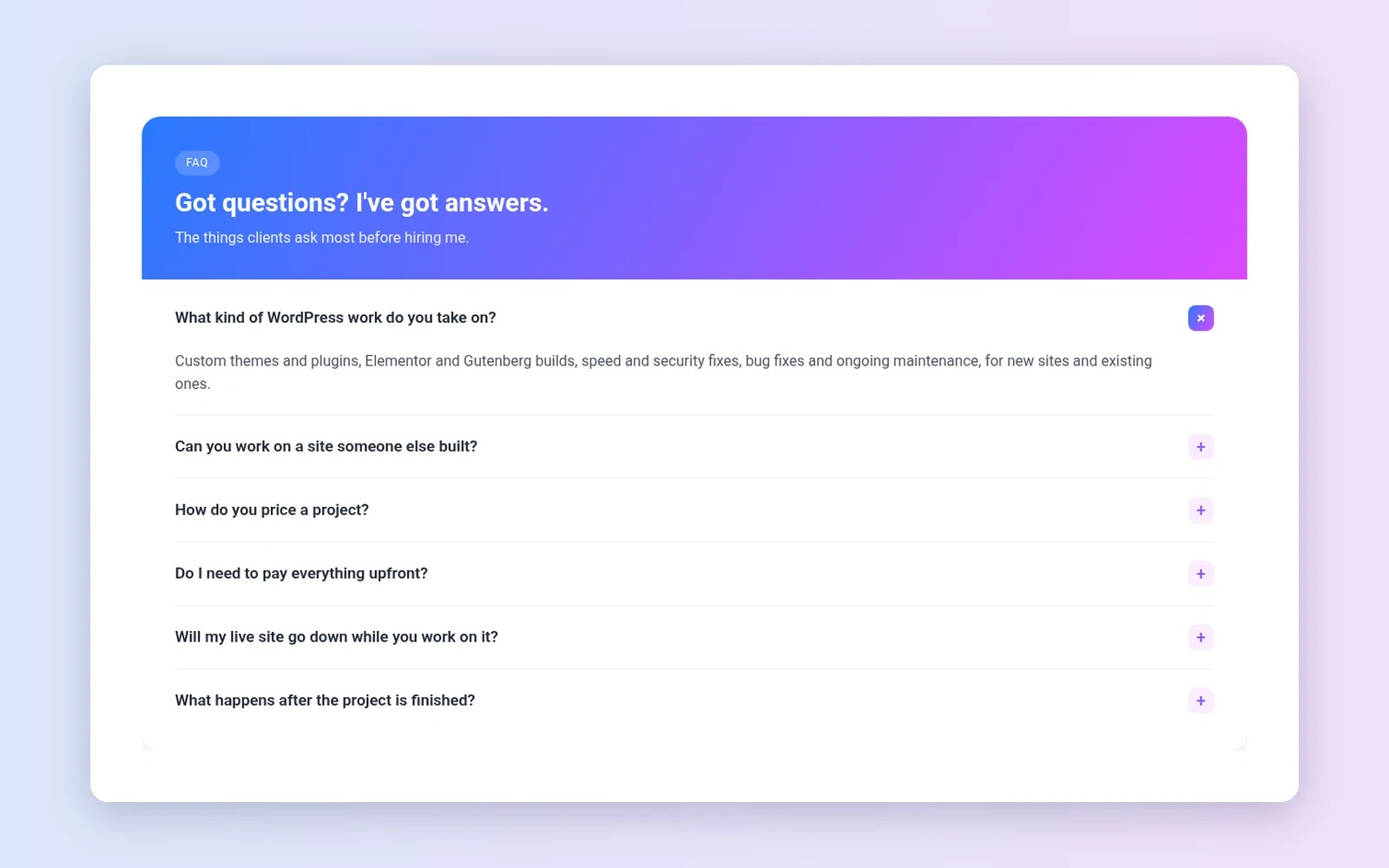
Gradient Header: a gradient banner with a small label above the accordion.
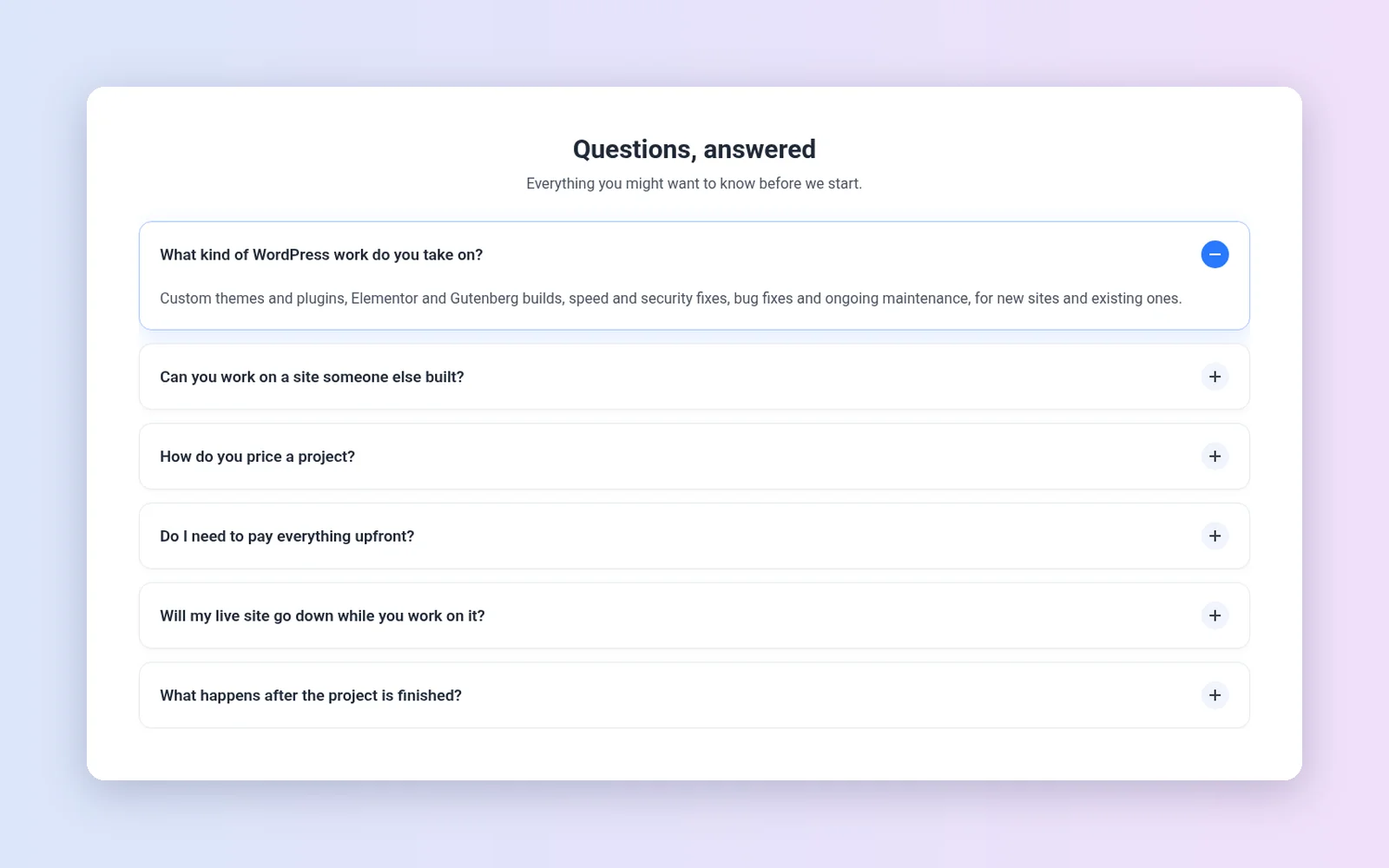
Soft Cards: rounded cards with a soft shadow and a +/– badge.
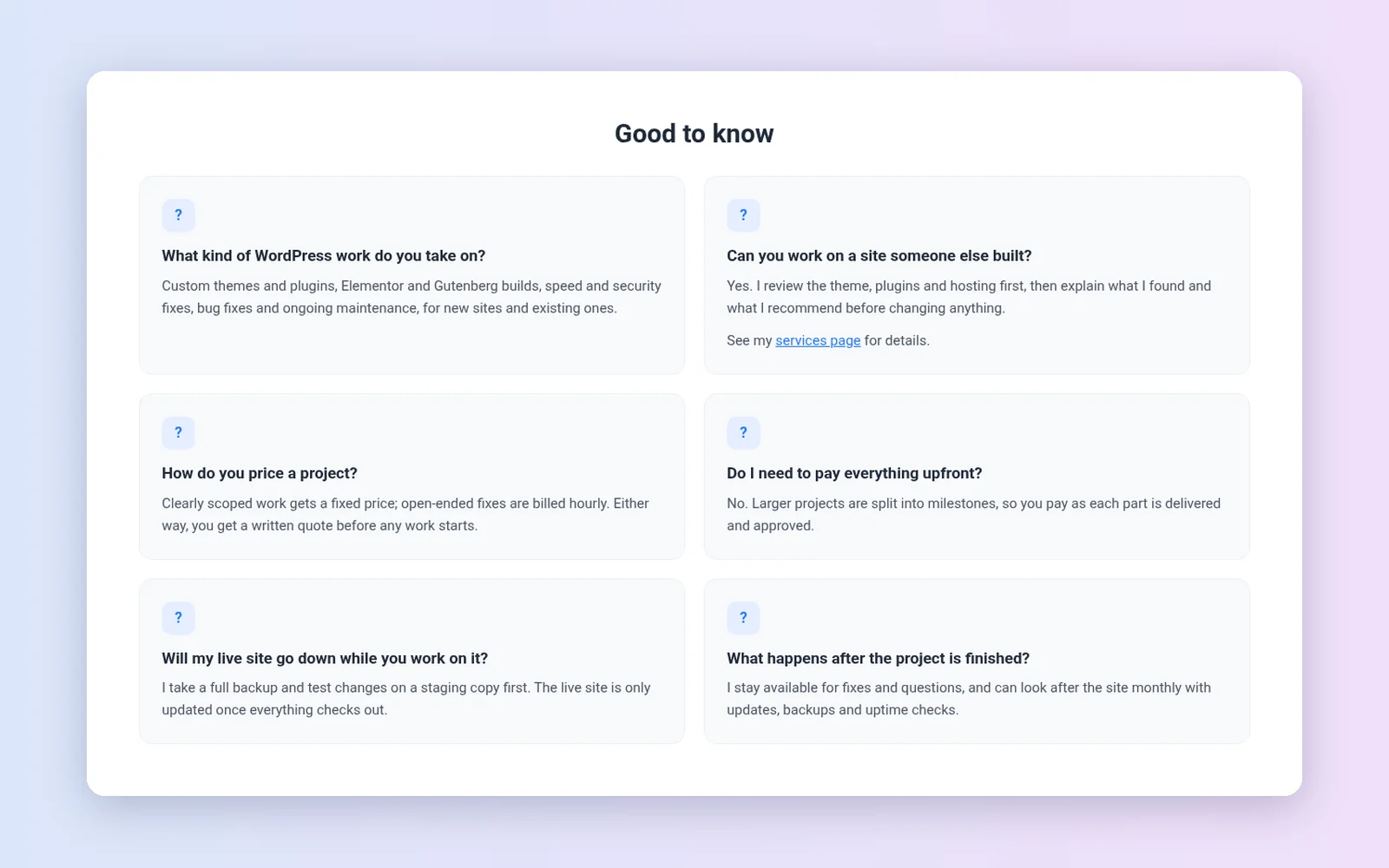
Grid: two columns with every answer visible, good for short answers.
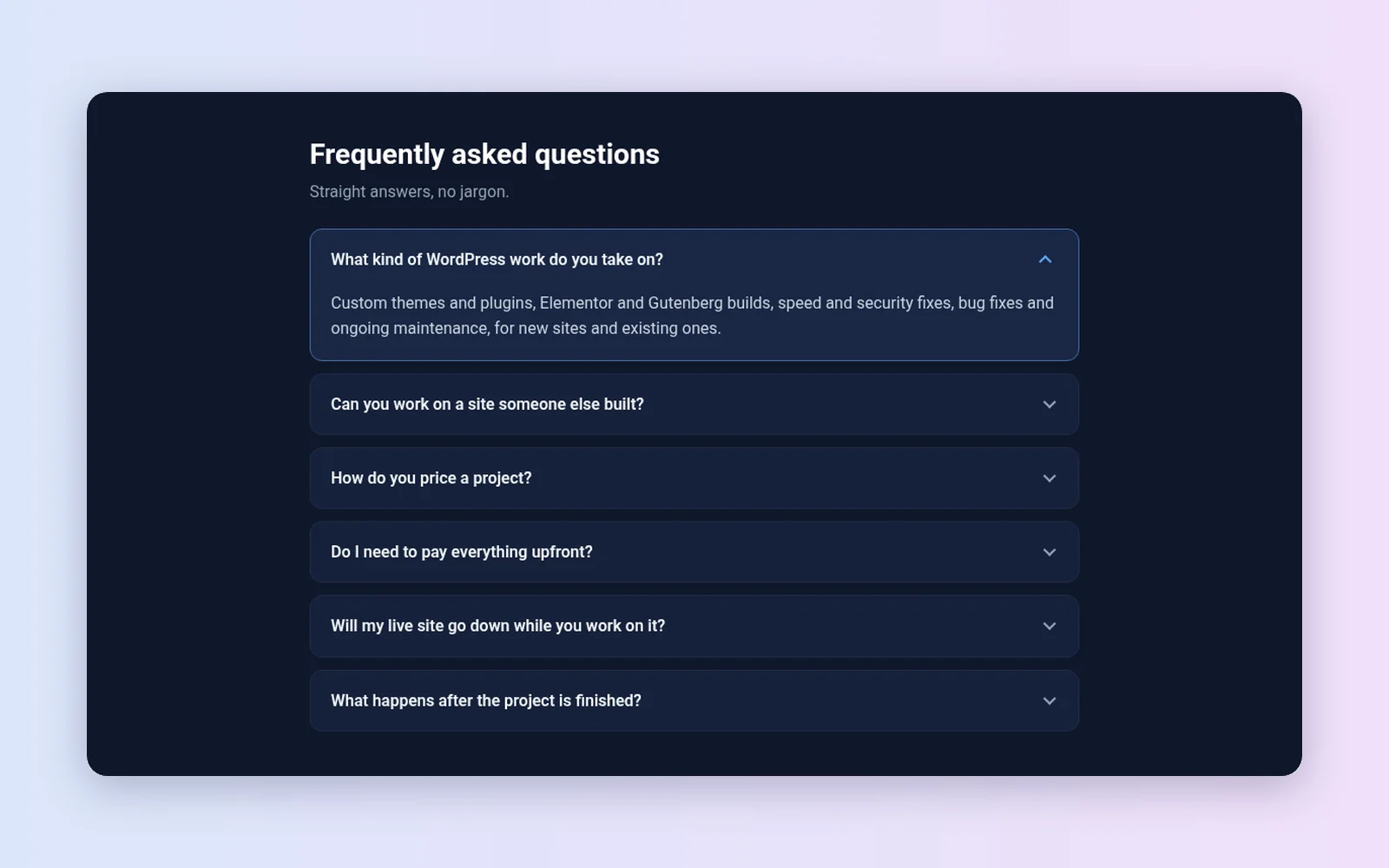
Midnight: dark panels for dark sections or dark themes.
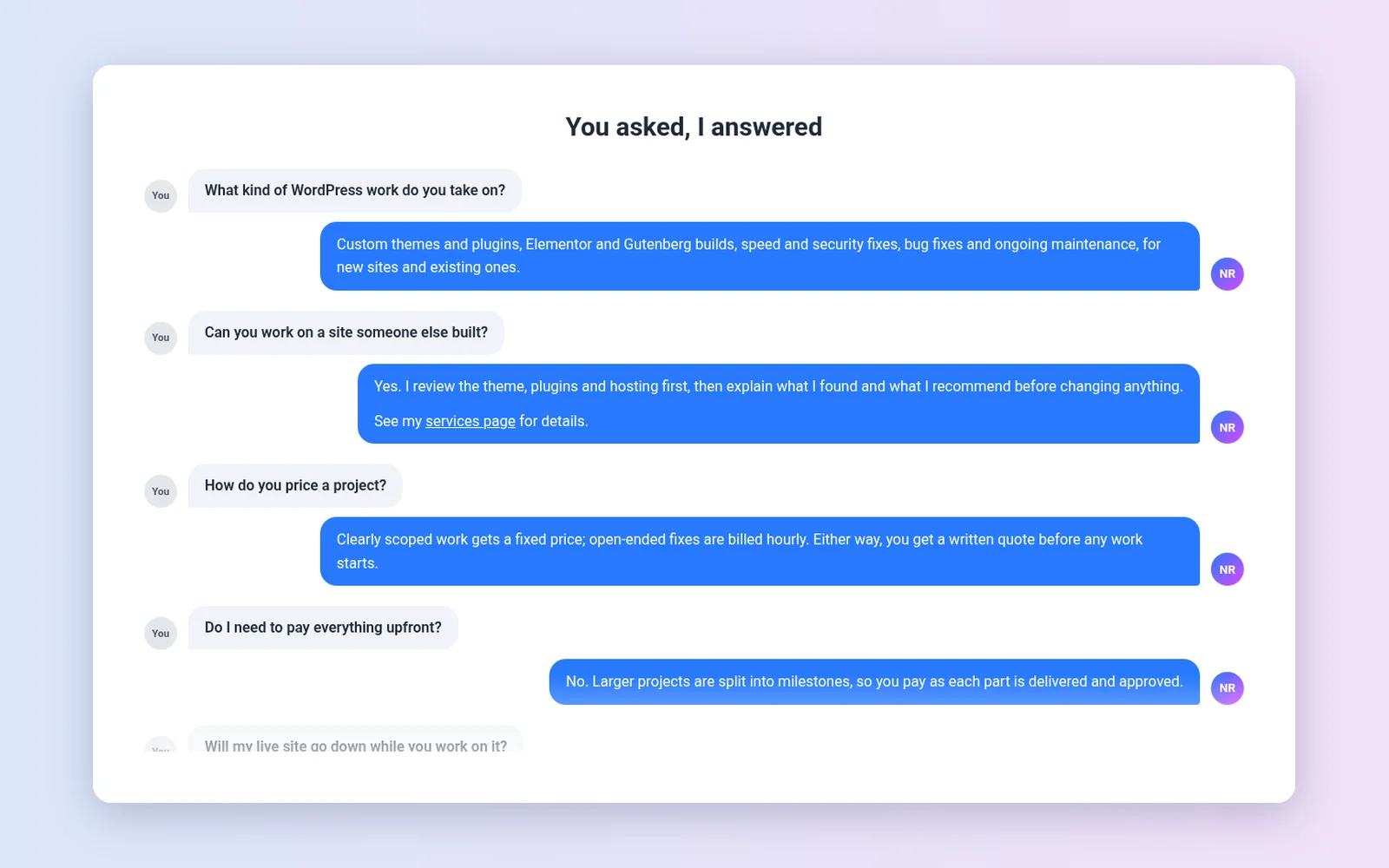
Chat bubbles: questions and answers shown as a conversation.

Split: a heading, a short intro and a call-to-action button on the left, the accordion on the right.
Part of the Nitin Rathod plugin hub
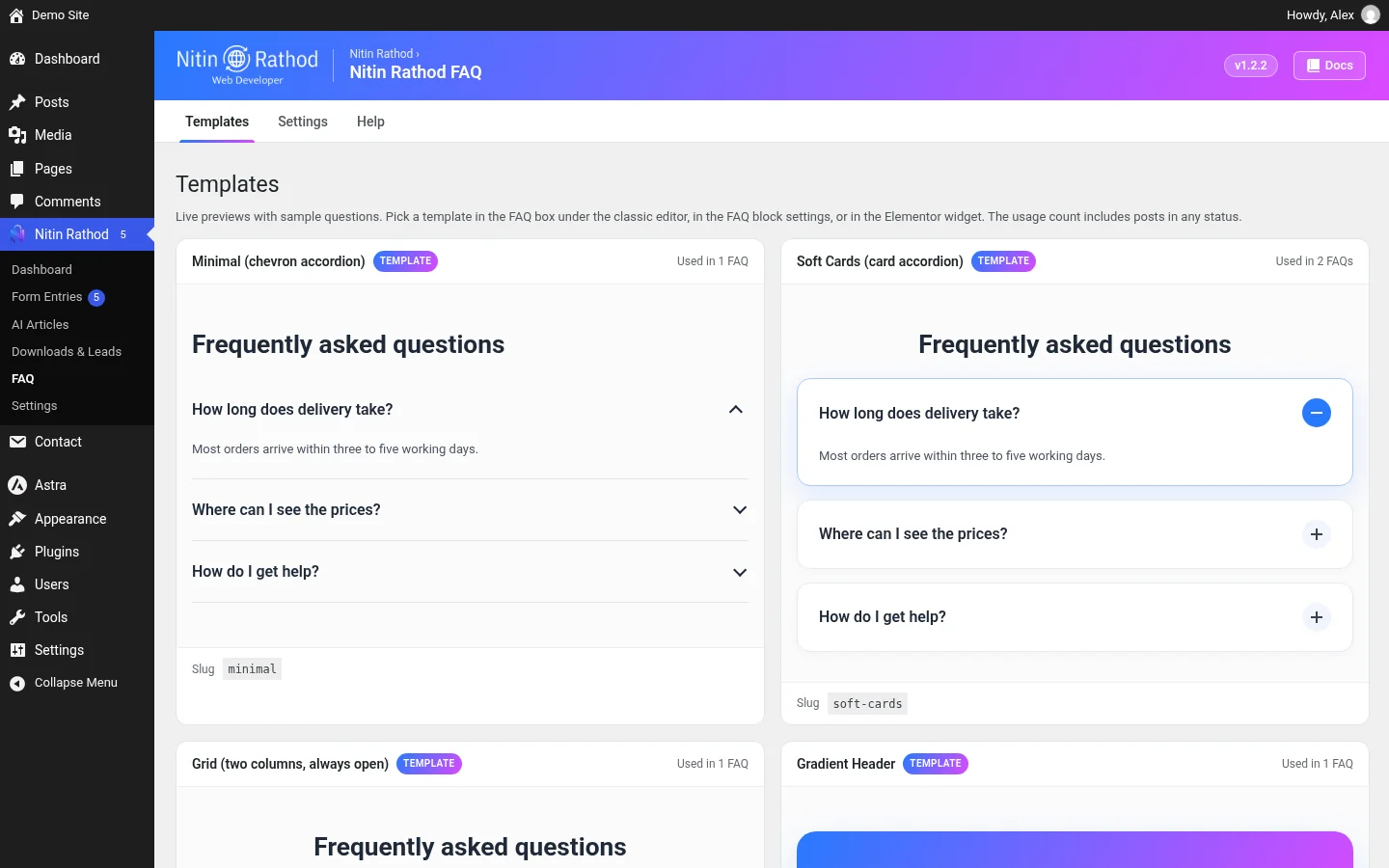
Since version 1.2, the FAQ plugin sits in the same “Nitin Rathod” admin menu as my other plugins, such as NR Form Entries. It has one menu item with three tabs:
- Templates: live previews of all 12 templates and how many FAQs use each one.
- Settings: the default template and whether new classic-editor FAQs get schema by default.
- Help: a short guide to the meta box, block, widget, shortcode and schema.
The hub dashboard also shows how many posts have an FAQ and how many templates are in use. If you’d rather keep a separate menu, you can turn grouping off and the screens move to Settings → Nitin Rathod FAQ.
Requirements and setup
- WordPress 6.3 or newer and PHP 7.4 or newer.
- Elementor is optional. The widget only appears if Elementor is active.
- Works with Rank Math and Yoast. I tested this version on a local copy with WordPress 7.1, Astra, Elementor and Rank Math.
- Download the zip below, then go to Plugins → Add New → Upload Plugin and activate it.
- Open Nitin Rathod → FAQ to look through the templates and pick a default.
- Edit a page and add an FAQ with the meta box, the block or the Elementor widget.
- Preview the page. Your FAQ shows in the template you picked, and the page source has one FAQPage schema.
Updating this WordPress FAQ plugin from an older version is safe. FAQs saved with 1.0 keep their design, and deleting the plugin only removes its own FAQ data. Blocks and widgets stay in your content.
Download Nitin Rathod FAQ: WordPress FAQ Plugin
You verified . No code needed.
Need a custom FAQ or plugin?
I’m a freelance WordPress developer. If you want this WordPress FAQ plugin set up on your site, a template styled to match your brand, or a different plugin built for your workflow, see my WordPress services or contact me with what you need.
Changelog
1.2.2
- Quick stats icons on the hub dashboard are now centred, with a chat-bubbles icon for FAQ
1.2.1
- Neutral wording on the hub dashboard and in the sample questions
1.2.0
- Joins the Nitin Rathod admin menu with Templates, Settings and Help tabs
- Templates tab with live previews of all 12 templates and usage counts
- Default template and default schema setting for new FAQs
1.1.0
- 8 new templates: Minimal, Soft Cards, Grid, Gradient Header, Midnight, Tabs, Chat, Split
- Template-specific fields, accent colours and a design preview in the block editor
- [nitin_rathod_faq] shortcode
- CSS and script loaded only for the templates in use
1.0.1
- One merged FAQPage schema per page, skipped when a Rank Math or Yoast FAQ block is present
- Elementor editor styles, accessibility and security fixes
1.0.0
- First release